How to Reduce Cloud Costs for Website Hosting on AWS, Azure, and Google Cloud in 2026: 8 Proven Strategies to Cut Your Bill by 50%+
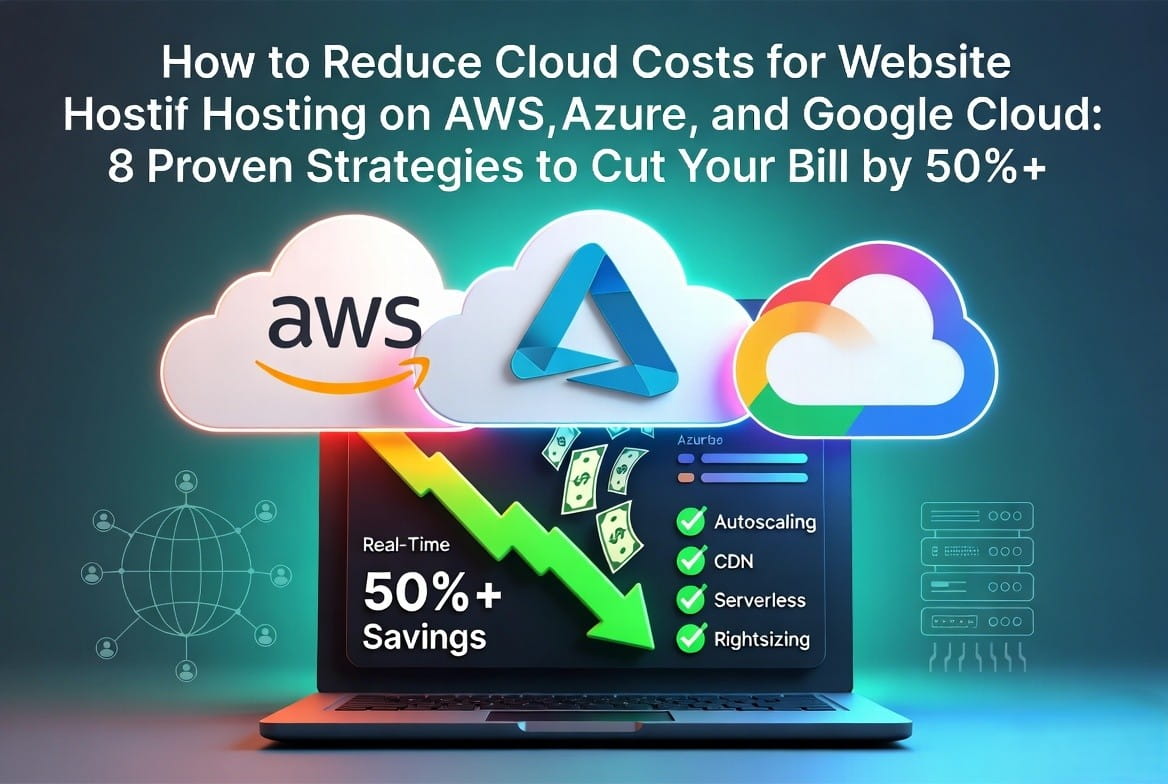
Cloud hosting bills for websites can sneak up fast in 2026, especially with variable traffic, unused resources, and on-demand pricing. The good news? Businesses using these cloud cost optimization tactics routinely cut 30-50% off their monthly spend in the first 30 days—and up to 70%+ long-term—without sacrificing performance or uptime.
This updated 2026 guide (perfect for your blog) focuses specifically on website hosting across AWS, Azure, and Google Cloud. It’s packed with SEO-optimized, step-by-step advice you can implement today, whether you’re running a WordPress site, a Next.js app, or a custom dynamic website. Copy, tweak, and publish—it’s designed to rank for searches like “reduce AWS cloud costs,” “Azure hosting bill savings,” and “Google Cloud website optimization.”
1. Get Full Visibility: Stop Guessing and Start Saving
You can’t optimize what you can’t measure. Most overspending comes from idle instances, forgotten storage, and untagged resources.
Quick wins for 2026:
Apply consistent tags (e.g., environment:prod, owner:marketing, project:website-v2).
Use built-in tools:
AWS: Cost Explorer + Budgets + Compute Optimizer
Azure: Cost Management + Advisor
Google Cloud: Cost Management + Recommender
Set automated alerts for anomalies and schedule monthly reviews.
Pro tip: Export data to tools like Athena (AWS), Power BI (Azure), or BigQuery (GCP) for custom dashboards. Teams see 10-30% instant savings just from visibility.
2. Right-Size Resources & Turn On Autoscaling
Over-provisioned servers are the #1 culprit in cloud bills.
Action steps:
Review CPU/memory usage (target 40-60% average).
Switch to burstable or smaller instances (AWS T4g, Azure B-series, GCP shared-core).
Enable autoscaling for web traffic spikes:
AWS: Auto Scaling Groups or ECS/Fargate
Azure: Virtual Machine Scale Sets or App Service
Google Cloud: Managed Instance Groups or Cloud Run
For websites, this alone often delivers 30-50% savings by scaling down at night or during low-traffic periods.
3. Switch to Discounted Pricing Models (Biggest Lever)
On-demand pricing is convenient—but expensive for predictable website workloads.
| Provider | Best 2026 Option | Max Savings | Ideal For Website Hosting |
| AWS | Savings Plans / Reserved Instances | Up to 72% | Steady traffic + databases |
| Azure | Azure Savings Plans / Reservations | Up to 72% | VMs, App Service, SQL |
| Google Cloud | Committed Use Discounts + Sustained Use | Up to 70% | Predictable VMs or Cloud Run |
Bonus for websites:
Use Spot Instances (AWS), Spot VMs (Azure), or Preemptible VMs (GCP) for non-critical tasks like background jobs or staging—up to 90% off.
Leverage AWS/Azure Hybrid Benefit if you have existing licenses.
4. Website-Specific Optimizations (Fastest Wins for Hosting)
Websites have unique patterns: static assets, dynamic requests, databases, and global traffic.
Deploy a CDN aggressively: CloudFront (AWS), Azure CDN, or Cloud CDN (GCP). Cache images, CSS, JS, and HTML at the edge. Reduces origin traffic and data transfer costs by 50-80%.
Go serverless for dynamic parts:
AWS: Lambda + API Gateway + S3 static hosting or Lightsail
Azure: Functions (consumption plan) or App Service
GCP: Cloud Run or App Engine
Pay only for actual requests—ideal for low-to-medium traffic sites.
Optimize databases: Use serverless options (Aurora Serverless, Azure SQL Serverless, Cloud SQL autoscaling) + read replicas + Redis caching.
Minimize egress fees: Stay in the same region, use private endpoints, and choose cost-effective regions (e.g., Mumbai or Singapore).
5. Slash Storage Costs (Often 20-40% of the Bill)
Enable intelligent tiering: AWS S3 Intelligent-Tiering, Azure Blob Lifecycle Policies, Google Cloud Storage Autoclass.
Set automatic lifecycle rules to move old files to cheaper “Cool/Archive/Glacier” tiers.
Delete unused snapshots, unattached volumes, and orphaned backups weekly.
6. Automate Cleanup & Governance
Idle dev/staging environments and untagged resources pile up fast.
Schedule shutdowns: AWS Instance Scheduler, Azure Automation, Google Cloud Scheduler (shut down nights/weekends = up to 70% savings on non-prod).
Enforce tag policies and auto-delete rules.
Run regular audits with native recommenders.
7. Cloud-by-Cloud Quick Wins (2026 Edition)
AWS:
Prioritize Savings Plans (most flexible for websites).
Combine EC2 Spot + Auto Scaling for web fleets.
Lightsail or Elastic Beanstalk for simpler sites.
Azure:
Azure Hybrid Benefit for Windows/SQL workloads.
Application Gateway with autoscaling.
Dev/Test pricing for staging.
Google Cloud:
Automatic Sustained Use Discounts.
Cloud Run for containerized web apps.
Preemptible VMs for any interruptible backend work.
8. Build a FinOps Habit + Advanced Monitoring
Make cost reviews part of every deployment.
Optional: Third-party tools like Vantage, CloudCheckr, or nOps for multi-cloud automation and deeper insights.
Set strict budgets with alerts.
Real-World Results in 2026
Teams applying these strategies report:
20-40% savings in month one (rightsizing + cleanup)
Additional 30-50% from commitments, serverless, and Spot
Total: 50%+ reduction while improving site speed and reliability.
FAQ: Common Questions About Reducing Cloud Billing
Q: How quickly can I see savings on my website hosting bill? A: Most see results on the next billing cycle after rightsizing and enabling autoscaling/CDN.
Q: Is serverless always cheaper for websites?
A: Yes for variable or low traffic. High-traffic steady sites may still benefit from reserved instances.
Q: Which provider is cheapest for website hosting in 2026?
A: It depends on your traffic pattern—use native cost calculators + Savings Plans for accurate comparison.
Q: Do these strategies affect SEO or site performance?
A: No. In fact, CDN + autoscaling often improves load times and uptime, boosting SEO.
Conclusion: Start Saving Today
Pick just three actions this week:
1. Enable tagging + run your provider’s cost advisor.
2. Rightsize instances and turn on autoscaling + CDN.
3. Review pricing commitments for your steady workloads.
You’ll see the difference on next month’s bill—and build a habit that pays dividends for years.
Ready for personalized advice? Reply with your current provider (AWS/Azure/GCP), monthly bill, and main website tech stack—I’ll give you a custom 5-step plan. Or grab a free downloadable checklist (tag it in your blog for lead gen)!
shopping_bag Recommended Resources
Enjoyed this article?
Follow us for more tech insights, agency updates and digital trends.